

THE QUITTY APP
Your receipts.
Your overview.
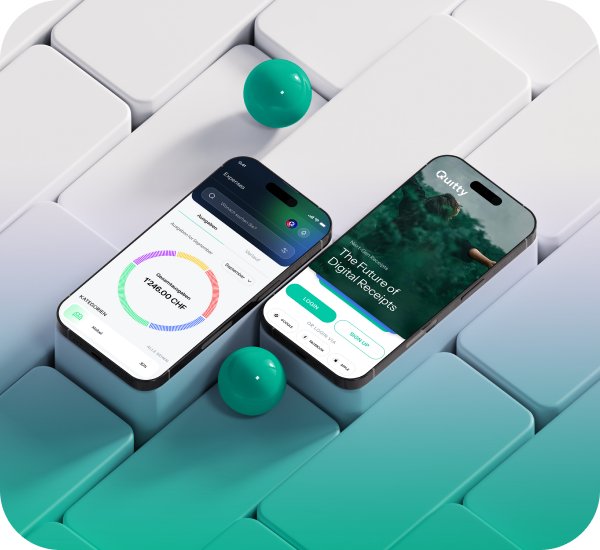
Capture receipts, warranties and expenses with AI. Photograph several documents at once, ask questions about your own receipts and expenses, and keep warranties in view.
MULTI-SCAN
Several receipts. One scan.
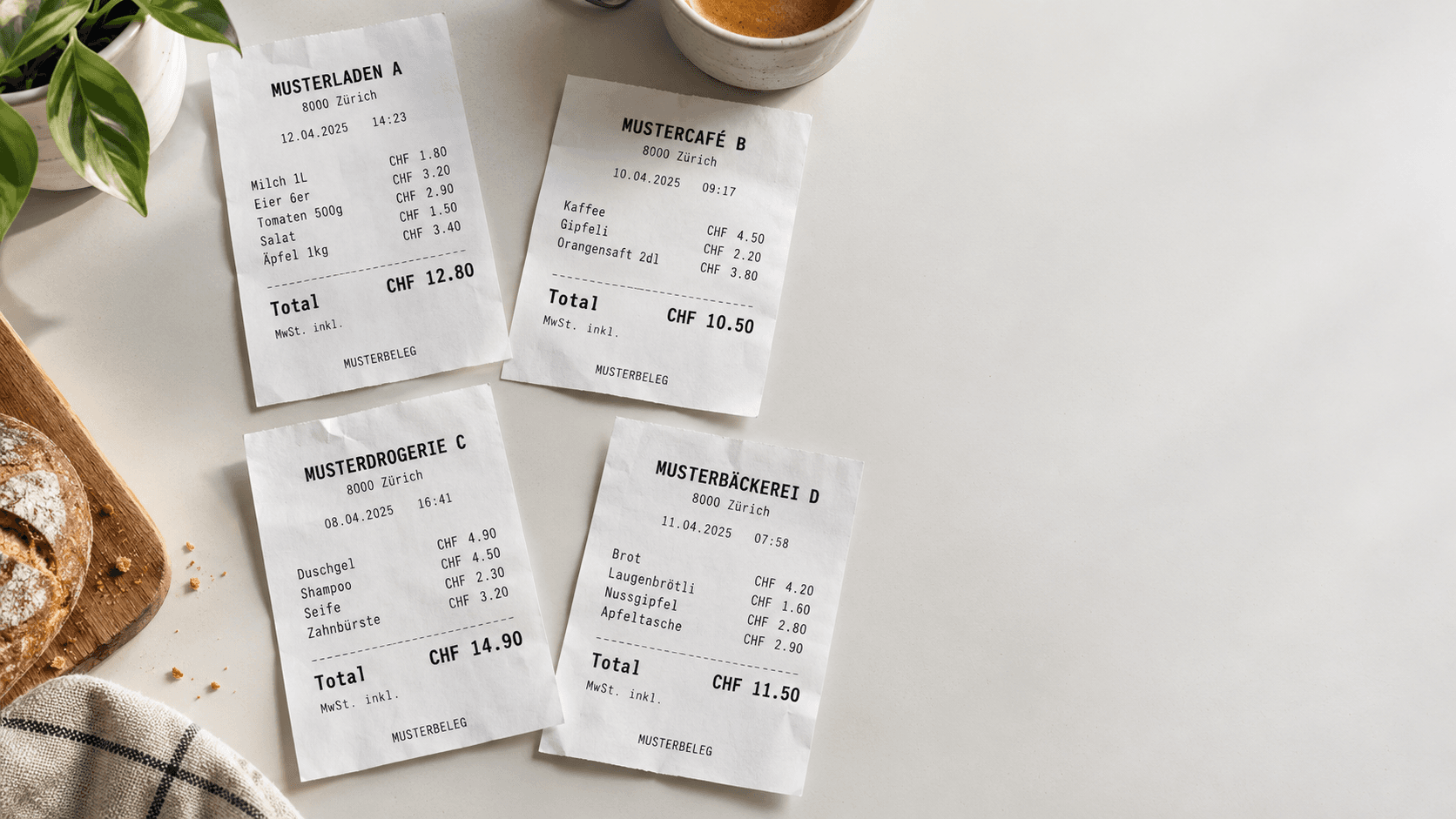
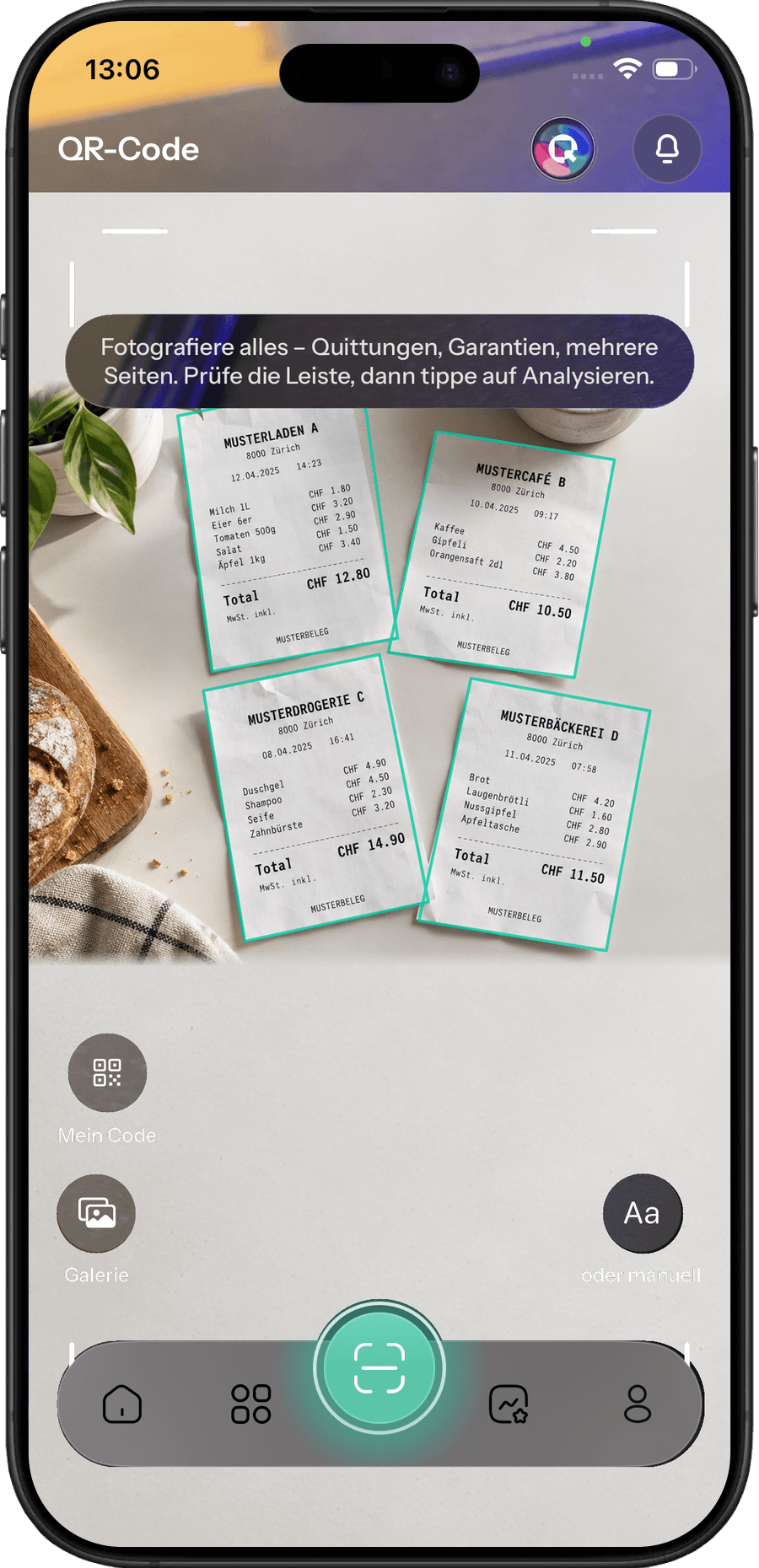
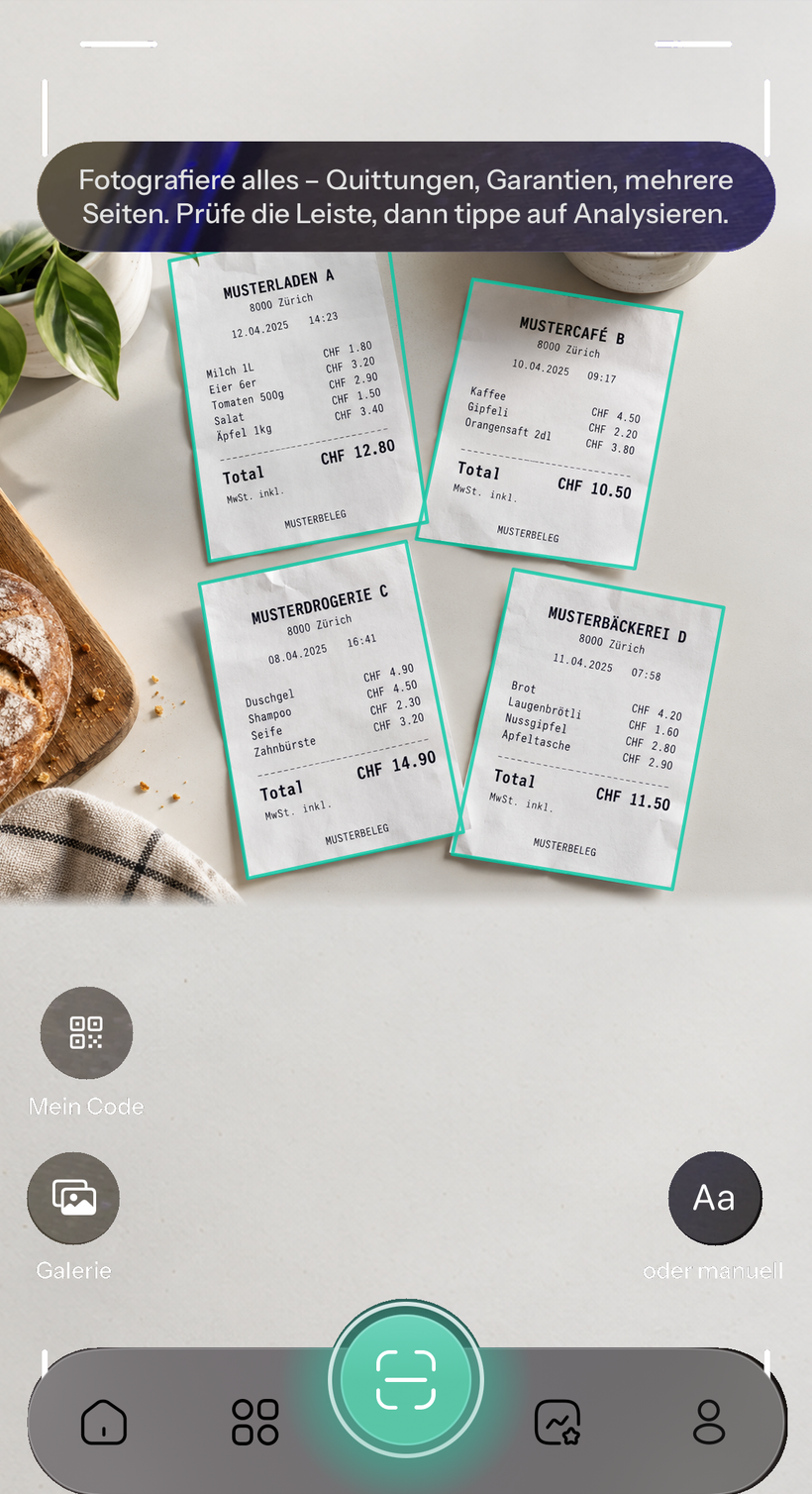
Photograph several receipts and warranty documents at the same time. Quitty sorts them and fills in recognised details. Capture several documents in one go, then check and complete the results before saving.
- 1Photograph several receipts or warranty documents
- 2Check the sorting and pre-filled details
- 3Complete and save
Less manual entry.
Quitty automatically recognises details on invoices, receipts and warranty documents and pre-fills fields. Recognised merchant logos help you identify entries. You can also enter the details entirely by hand.
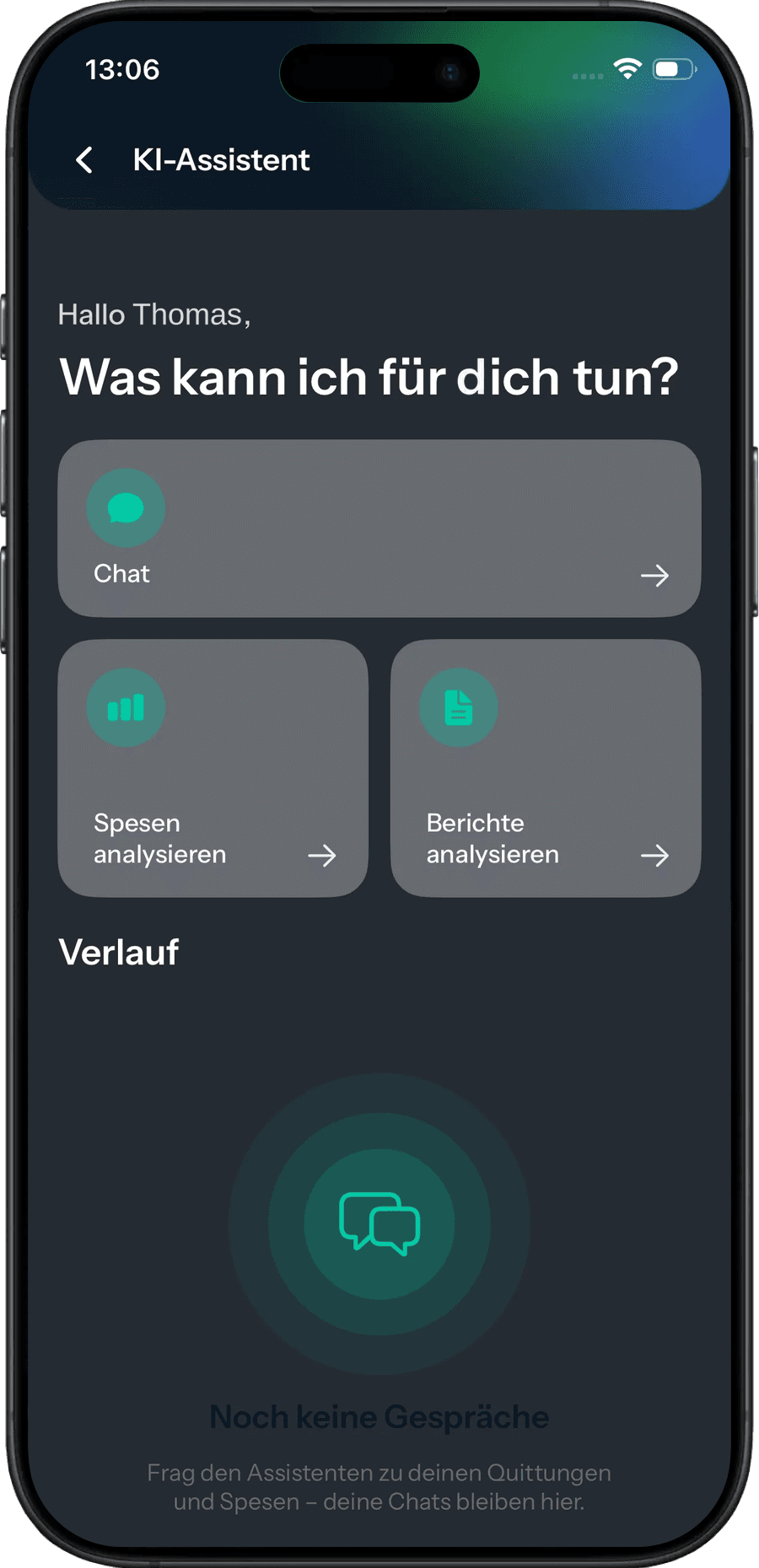
YOUR AI ASSISTANT
Your receipts. Your questions.
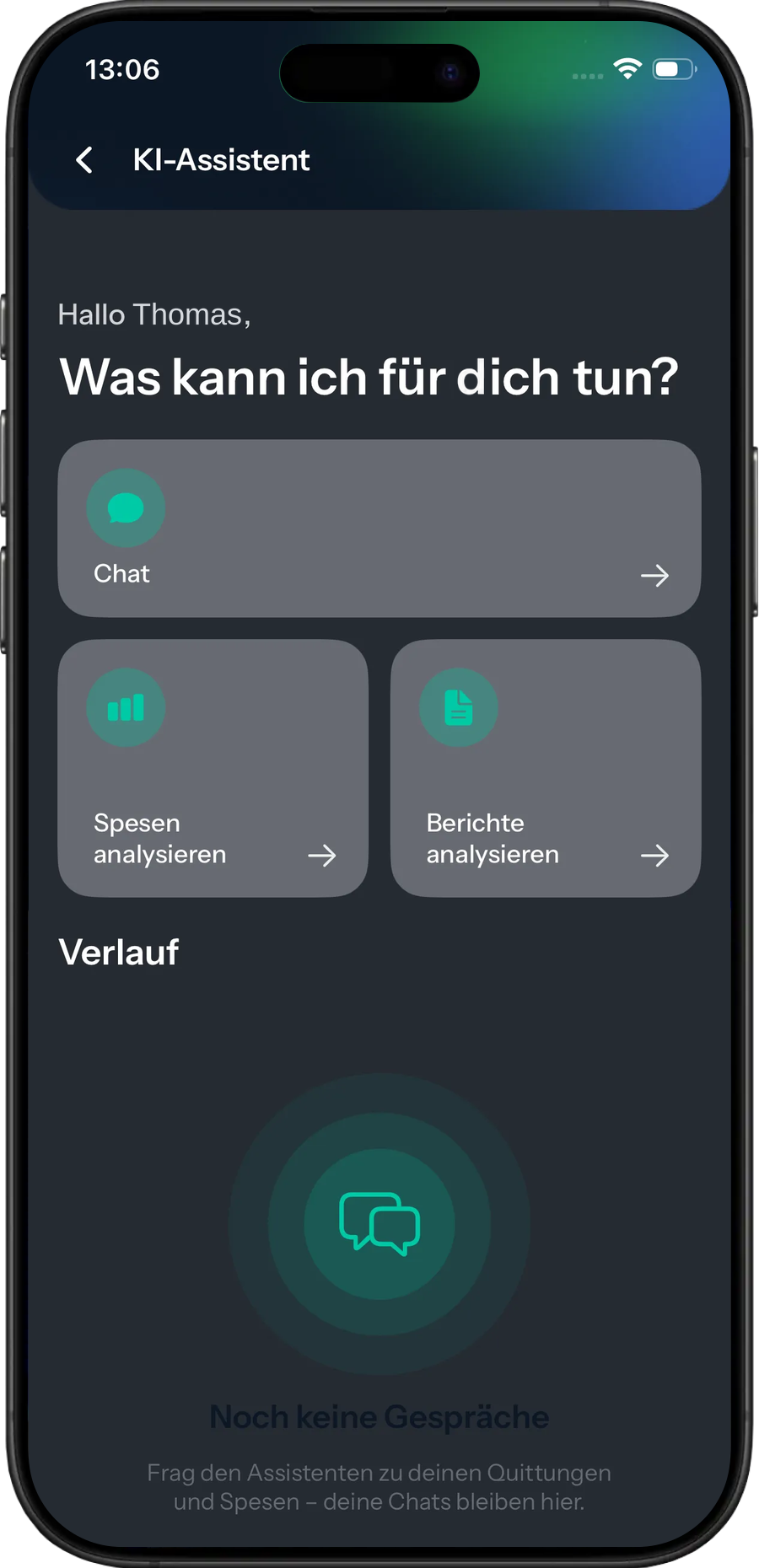
The AI assistant answers questions based on your own receipts and expenses. Understand your saved receipts and make sense of your spending.
For example:
- How much have I spent this week?
- Which categories account for my highest spending?
- How much have I spent on groceries this month?
FEATURE OVERVIEW
Quitty at a glance
Visible features: Your start
Focus the feature overview and use the left and right arrow keys. Home jumps to the start, End to the last feature.
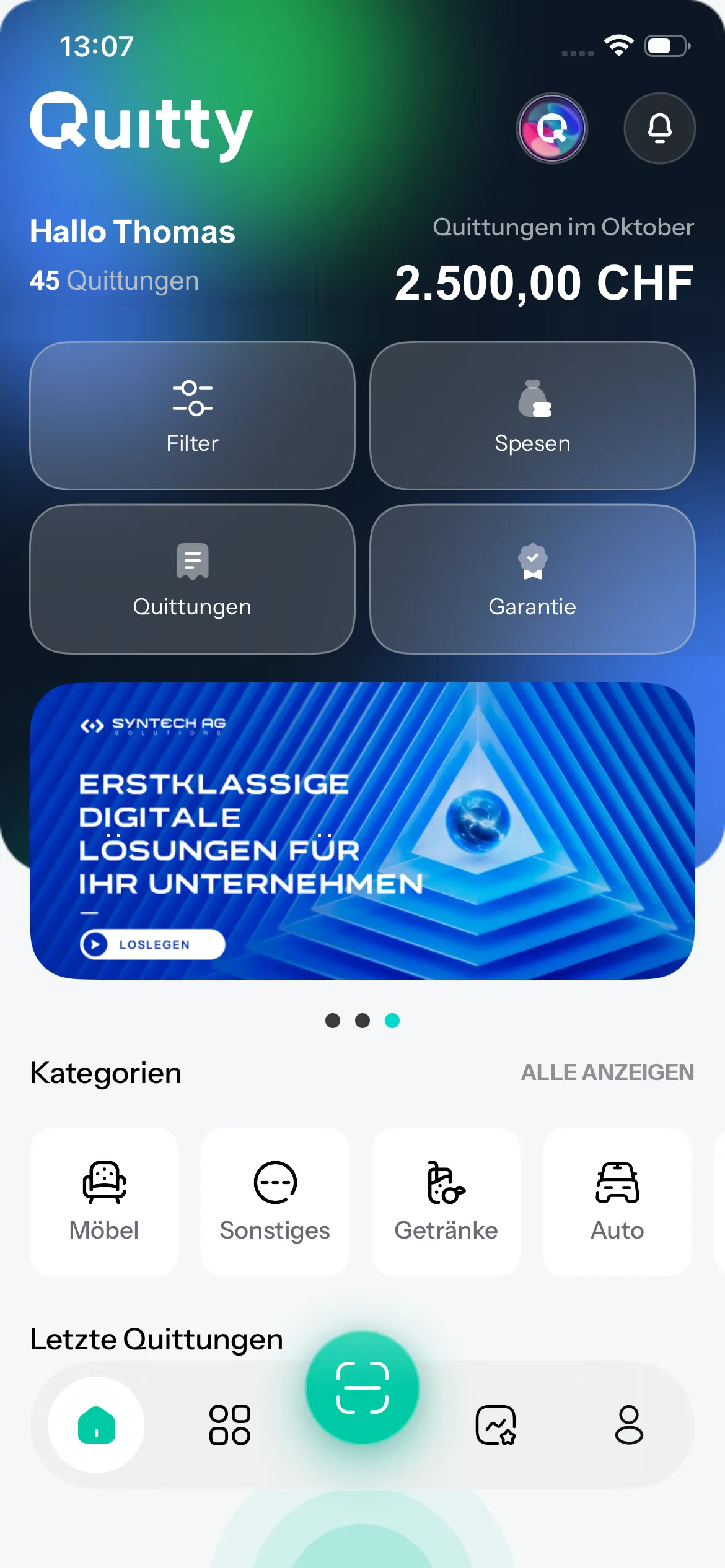
Your start
Open Quitty and choose receipts, warranties, expenses or the scanner.
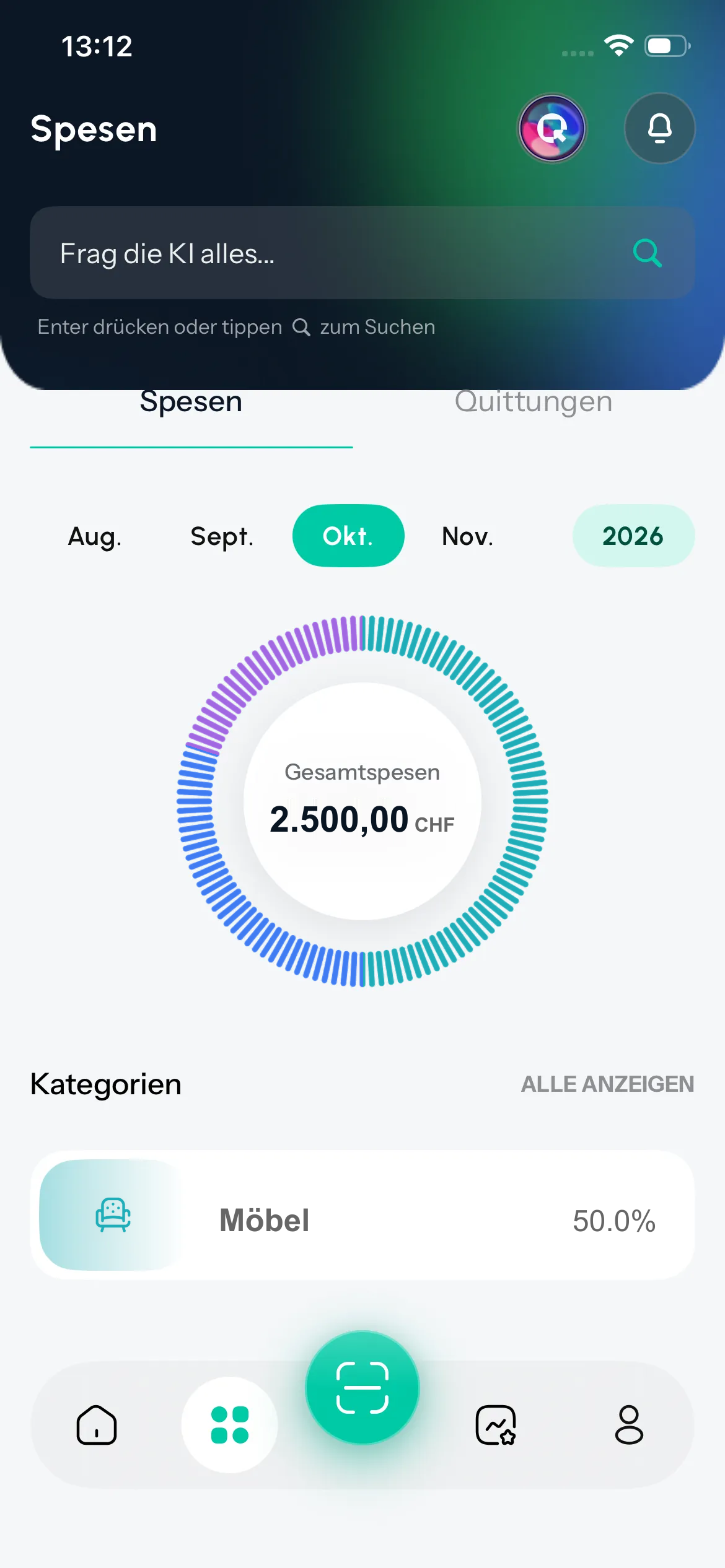
Overview
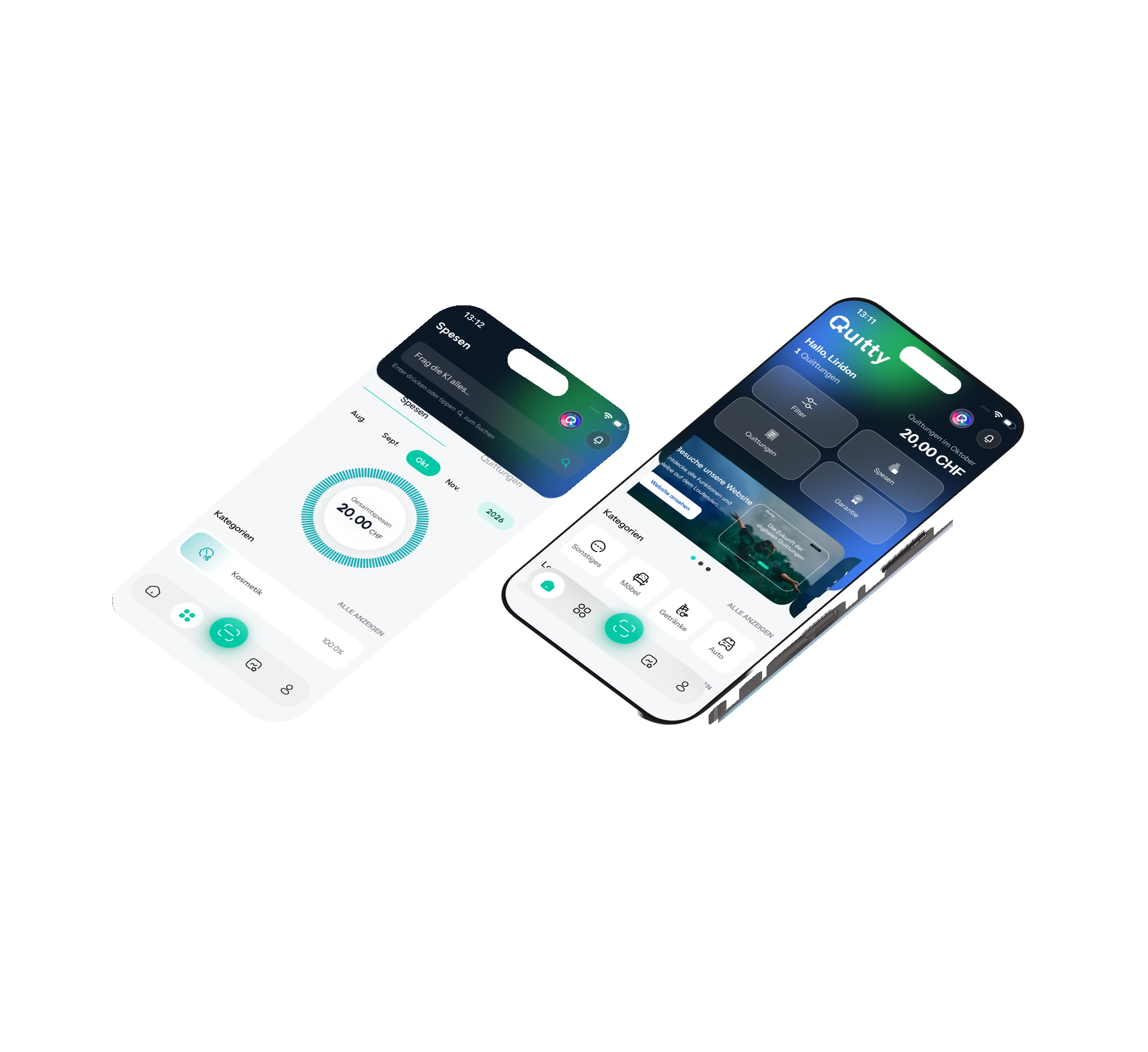
See at a glance how your recorded spending breaks down by period and category.
Multi-Scan
Photograph several receipts or warranty documents at once. Check, complete and save the recognised details.
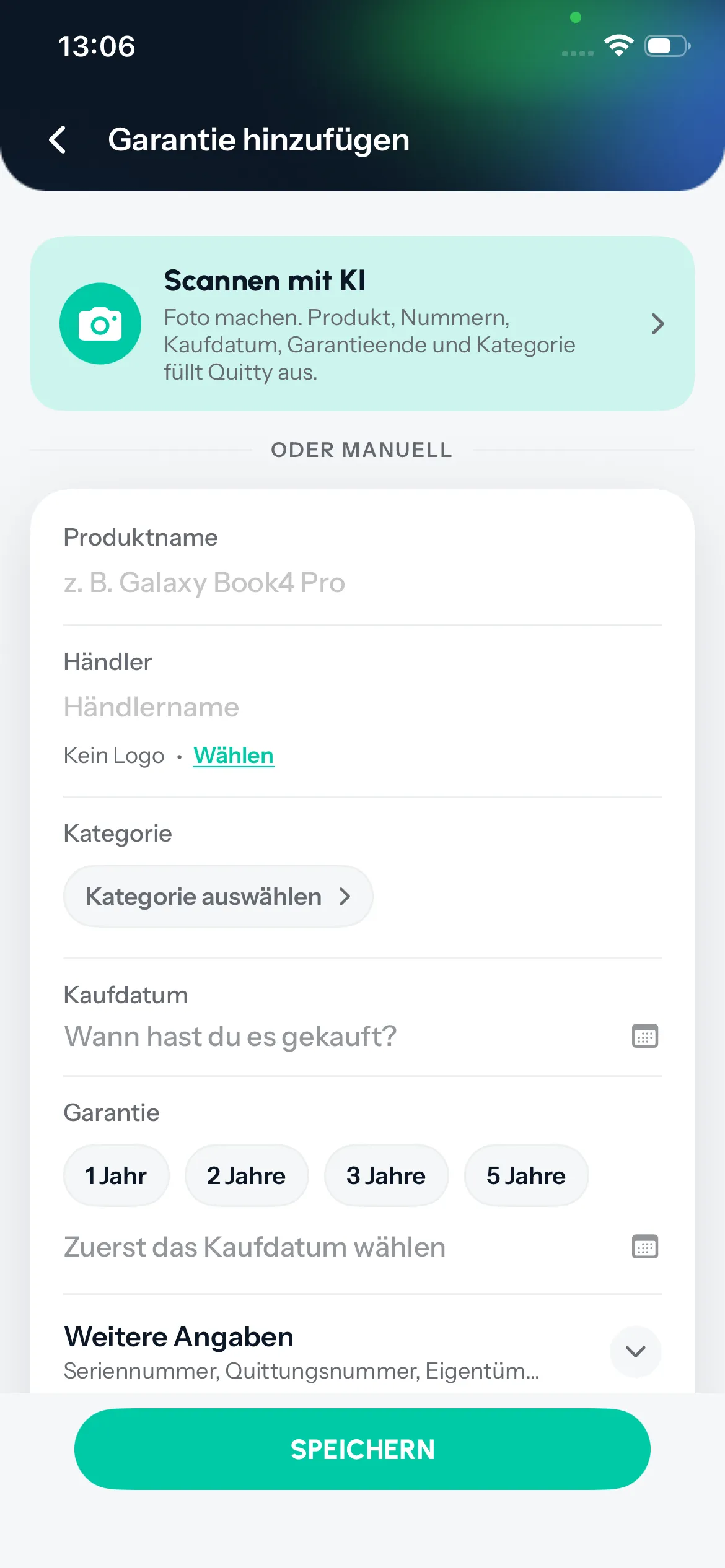
Track warranties
Manage your warranties and track their duration and expiry. Ask the merchant about extension options before they expire.
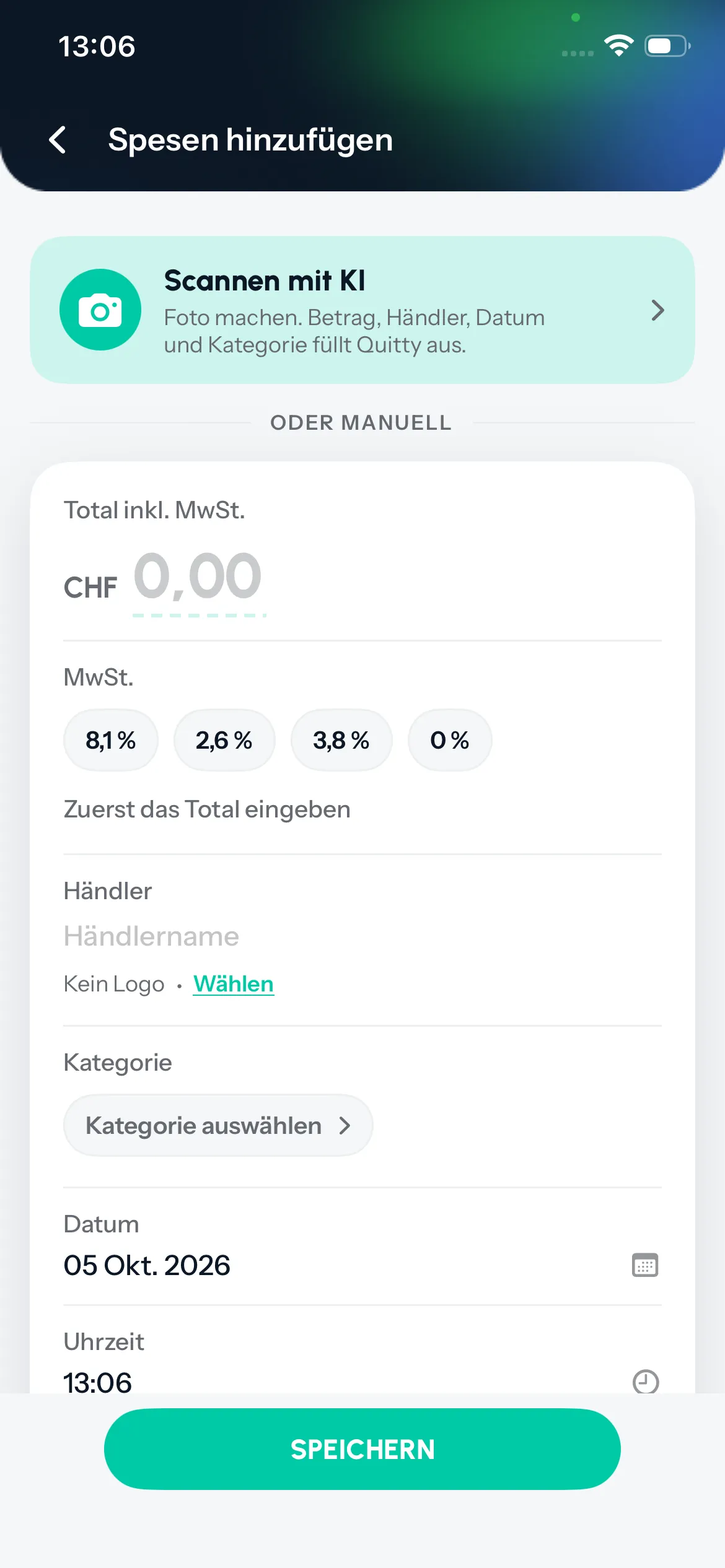
Expenses
Record your expenses, assign categories and keep an overview of your spending.
Your AI assistant
Ask questions about your own receipts and expenses.
Which documents can I record?
You can record invoices, receipts, warranty documents and expenses. Photograph a document and check the automatically recognised details before saving. You can also enter and complete the details entirely by hand.
How does Multi-Scan work?
Photograph several receipts or warranty documents at once. Quitty sorts them and pre-fills recognised details. Check and complete the results before saving them.
How can I keep track of my warranties?
Scan the warranty document or record a warranty manually. Check the purchase date and warranty duration and keep the expiry date in view. Ask the merchant about possible extensions before it expires.
Where can I see my spending and categories?
Choose a month in the expense view. The total and category breakdown show what you have spent money on. The overview is based on your recorded expenses.
Can I share my receipts as a PDF?
Yes. Choose all entries or just the ones you need, then print or share them as a PDF. Reopen the saved output later in “My PDFs”.
What can I ask the AI assistant?
The AI assistant answers questions based on your own receipts and expenses. Ask about your spending this week, the categories with the highest spending or your grocery spending this month.
What do I confirm at first login?
At first login, the use of AI features is explained and you confirm it. Usage analytics and advertising measurement are optional and are activated only with your consent.
Where can I get Quitty?
The Quitty app is available in the App Store and on Google Play. Use the download links on this page. Features may differ by platform and version.
How can I contact support?
For support, email support@quitty.ch. Phone: +41 55 589 67 67. You can also write to us using the contact form. For general questions about Quitty, open the chat button at the bottom right of this website and enter your question as a message.
QUITTY
Ready for less paper?
Discover Quitty for your smartphone.
 App Store
 Google Play
Features may differ by platform and version.